Loading…
For parents
Learning your child enjoys. A picture you can understand.
CurioPilot gives your child practice that fits them, hints when they are stuck and games built from their topics — and gives you a clear, kind picture of how they are doing.
- Free for one child
- No rankings, no league tables
- Your consent, your control
app.curiopilot.com
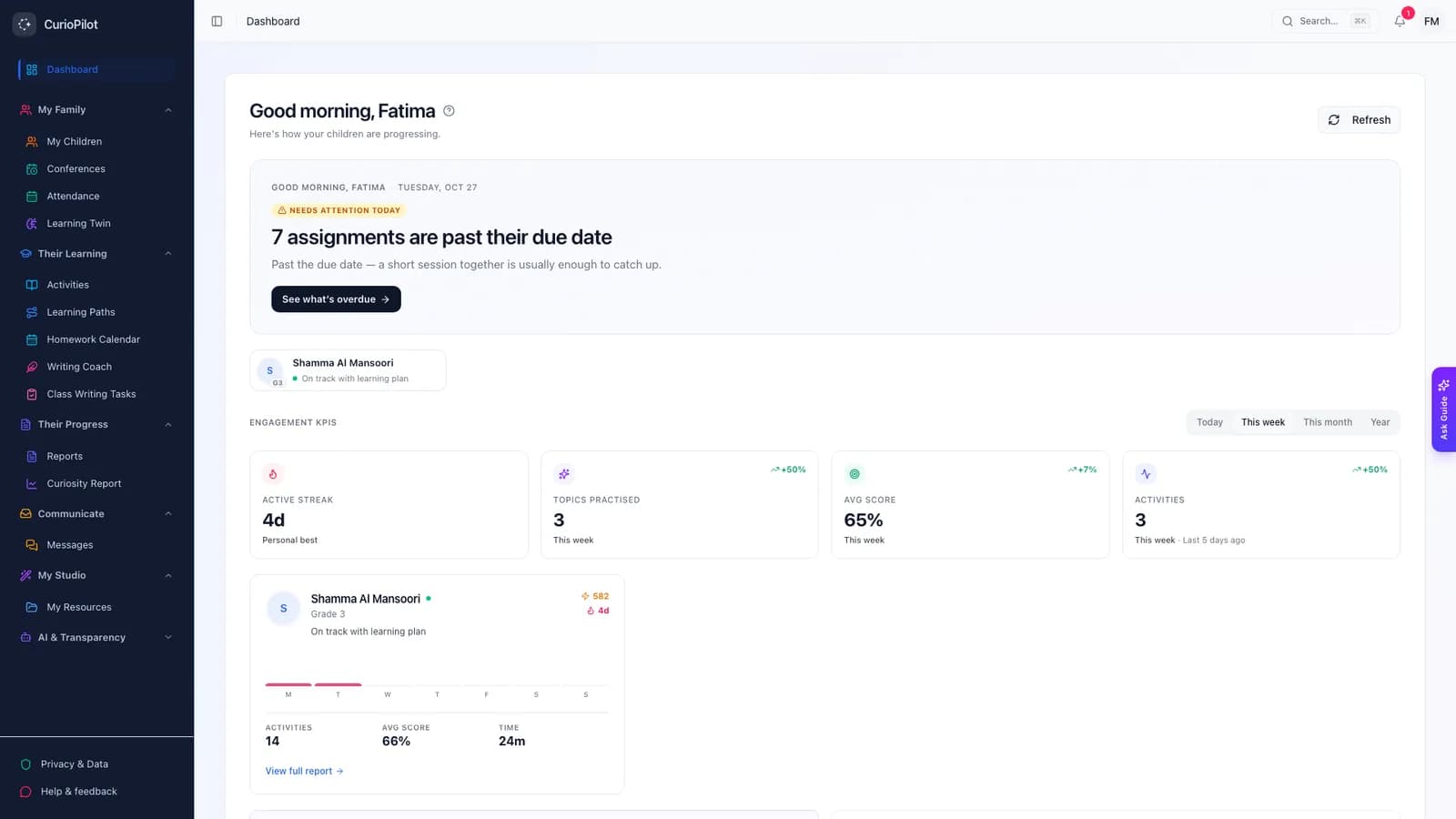
What your child gets
Help that builds confidence.
Hints, not answers
Spark helps your child get unstuck by asking the next question — it won’t do the work for them.
Games that teach
The Fun Zone turns their topics into crosswords, memory games and quiz shows.
A weekly update
A few lines each week on what your child did, what went well and one thing to try together.
Help with handwritten work
Snap a photo of a worksheet and get feedback on the working, step by step (Premium Family).
Ask why
See the reason for every suggestion, or ask Guide, the parent assistant, in your own words.
One family tablet
Set up a tablet once. Each child taps their name and enters their own PIN.
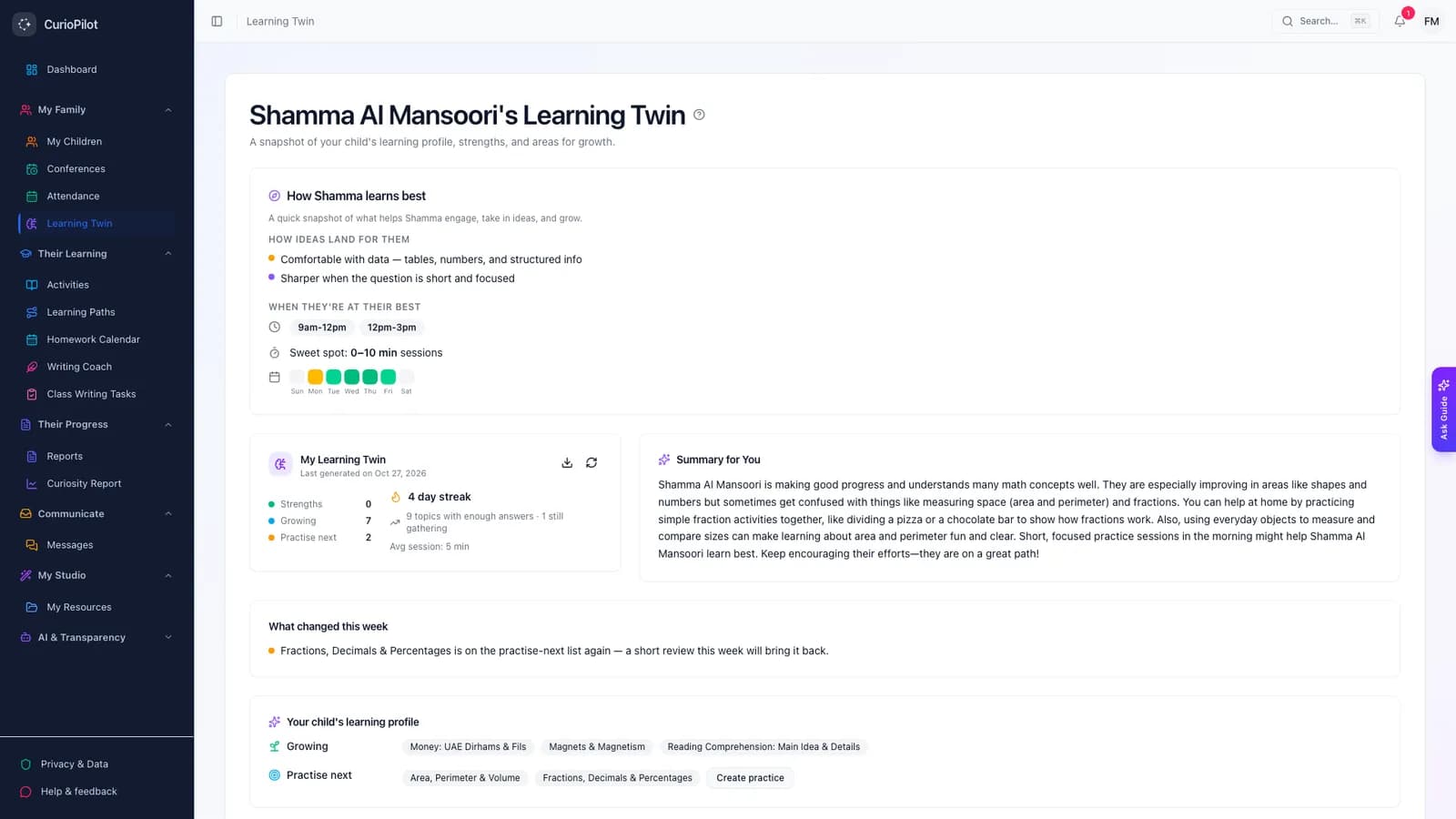
What you see
Strengths, growing areas, and what to practise next.
No percentages and no comparisons with other children. Each area to practise comes with a simple suggestion for what to do next.
app.curiopilot.com
You’re in control
Your child, your choices.
You give consent
For children under 13, AI features stay off until you agree. You can change your mind at any time.
You choose the games
Switch the Fun Zone off for your family whenever you like.
You own the data
Download your child’s data, or ask us to delete it.
Kept private
Stored in the UAE. Names are swapped for placeholders before anything reaches the AI.
Our promises
What we will, and won’t, do.
We will
- Match practice to your child’s level and pace
- Show you why we suggested any activity
- Keep AI off for under-13s until you agree
- Let you download or delete your child’s data
We won’t
- Send your child’s name or personal details to the AI
- Use your child’s work to train AI
- Show advertising or sell data
- Rank your child against others
FAQ
Common questions
Is CurioPilot safe for my young child?
Yes. For children under 13, AI features stay off until you give consent. Children can only message their own teachers, and messages are screened before they are delivered.
What information is sent to the AI?
The question and your child’s answer — with their name swapped for a placeholder such as “Student A”, and contact details removed. The AI doesn’t learn from it; Microsoft may keep a request for up to 30 days only to check for misuse.
Will the AI just give my child the answer?
No. Spark is designed to give hints and ask questions, not to hand over answers.
My child’s school uses CurioPilot. Do I need to pay?
No. Your school’s plan covers you, and your school will send you an invitation.
How do I sign up as a family?
We are opening family accounts in small groups. Join the family pilot and we will set you up.
I’m a private tutor. Can I use it?
Yes. Independent tutors can have an account for their learners. Parents give consent for children under 13.
Join the family pilot.
Tell us about your children — their ages and what they are studying — and we will set up your account.